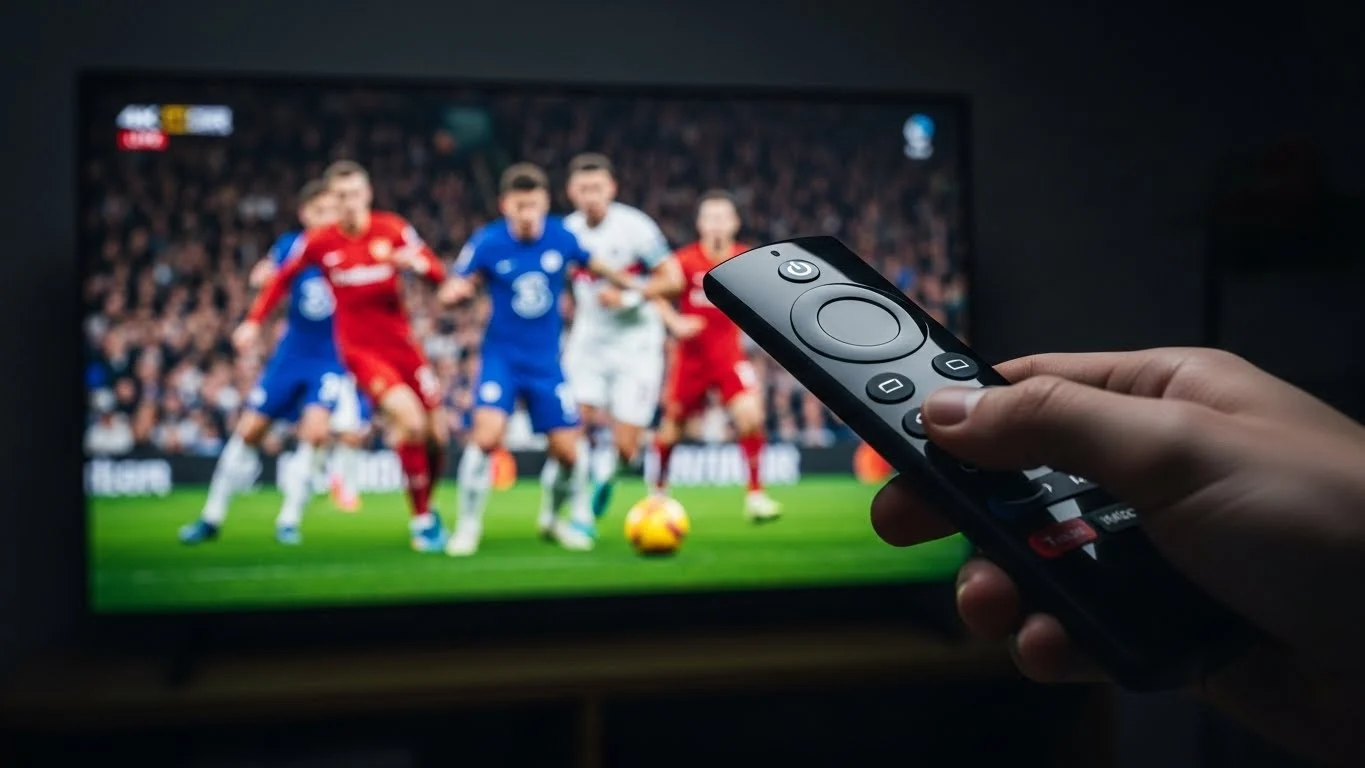
The grass isn’t just green; it is individual blades. The crowd isn’t a blur; it is thousands of distinct faces. Watching live sports in 4K HDR completely changes the experience. Once you see it, you can never go back to muddy 1080p.
But getting True 4K sports coverage in 2026 is confusing. Sky Glass is expensive. BT Sport Ultimate requires specific broadband.
In this guide, we will show you exactly how to unlock the full potential of your 4K TV and Firestick to watch the Premier League, F1, and weirdly enough, even Golf, in stunning Ultra HD.
Why “4K” is Often a Lie
First, a warning. Many apps and websites label streams as “4K” when they are actually just upscaled 720p. They take a low-quality image and stretch it. The result? A blurry mess that looks worse than HD.
True 4K (Native UHD) requires:
- Resolution: 3840 x 2160 pixels.
- Frame Rate: 50fps (Europe) or 60fps (USA). Sports at 25fps looks “choppy” as the ball ghosts across the screen.
- Bitrate: 15 Mbps minimum (ideally 20+ Mbps).
If a provider cannot confirm these three specs, it is not real 4K.
Step 1: The Hardware Setup
You need the right chain. If one link is weak, the whole picture downgrades.
The TV
Ideally an OLED or QLED panel. Why? Because sports are bright. HDR (High Dynamic Range) makes the bright parts brighter (stadium lights) and shadows darker. Standard 4K panels often look “dim” in HDR mode.
The Device
Firestick 4K Max (2nd Gen) is currently the king. It supports WiFi 6E and has the processor power to decode HEVC 4K signals without overheating.
Avoid the basic “Fire TV Stick” or “Lite”. They cannot handle high-bitrate sports streams.
The Cable
Use the HDMI Extender that came with the stick. It moves the stick away from the back of the TV (which acts as a metal shield blocking WiFi) and prevents overheating.
Step 2: Finding the Right Channels
Not every match is broadcast in 4K. You need to know exactly which channels to look for in your EPG (Electronic Program Guide).
The “Big Three” 4K Channels:
- Sky Sports Main Event UHD (UK)Best for: Super Sunday, Monday Night Football.Look for: The “UHD” watermark in the top right.
- TNT Sports Ultimate (UK)Best for: Champions League Nights, Saturday early kick-offs.Note: Often has the highest bitrate (pushed 28 Mbps in our tests).
- Optus Sport 1-4 (Australia)Best for: 3 PM Kick-offs (Blackout games).Secret: Australia broadcasts 4K feeds of games that aren’t even televised in the UK!
At Orbit4K, we group these into a specialized “live UHD Sports” category so you do not have to scroll through thousands of channels to find the 4K feed.
Step 3: App Configuration for HDR
This is where most people fail. Your Firestick might be set to 4K, but your IPTV app is pushing 1080p.
If using TiviMate:
- Go to Settings > Playback.
- Turn ON “AFR” (Auto Frame Rate).Why? UK Sports are 50Hz. US Sports are 60Hz. If your TV stays at 60Hz while watching Sky Sports (50Hz), the ball will “judder.” AFR forces your TV to switch to 50Hz mode instantly.
If using IPTV Smarters:
- Go to Settings > Player Selection.
- Use Built-in Player (Hardware).Warning: The software player often drops frames on 4K feeds.
Step 4: The 3 PM “Blackout” Workaround
In the UK, it is illegal to broadcast live football between 2:45 PM and 5:15 PM on Saturdays. Sky Sports shuts off the feed.
But the game is still being filmed in 4K for the rest of the world.
To watch these games in 4K, you need to switch to International Channels:
- Now Sports (Hong Kong) – often 4K.
- SuperSport (South Africa) – High bitrate FHD.
- Peacock / NBC (USA) – 1080p 60fps (Very smooth).
Our comprehensive sports package includes the “VIP Sports” folder specifically for this. When the UK feed goes dark, the International feed lights up.
The Cost Comparison
Let’s do the math on watching the Premier League in 4K legitimately vs Orbit4K.
Annual 4K Sports Cost
2026 ESTIMATES
Traditional Cable
per year
Mandatory Extra
per year
All-in-One Plan
Total / Year
That is a total saving of £1,375 every single year.
Final Check: Is Your Network Ready?
True 4K HDR uses data fast. Approximately 7GB per hour.
- If you have a Data Cap: Monitor it carefully.
- If you share WiFi: Use QoS (Quality of Service) on your router to prioritize the TV over your kids’ Xbox downloads.
Ready to see the grass blades? Do not settle for blurry streams. Get your Orbit4K login today and turn your living room into a stadium box seat.